Seedance 2.5 is now available.
All-in-One AI Video Generator
One platform, leading video models, and every idea in motion. Try Seedance, HappyHorse, Wan, VEO, Kling, Pixverse, and more leading video models—all in one place.
One platform, leading video models, and every idea in motion. Try Seedance, HappyHorse, Wan, VEO, Kling, Pixverse, and more leading video models—all in one place.
Key Feature 1
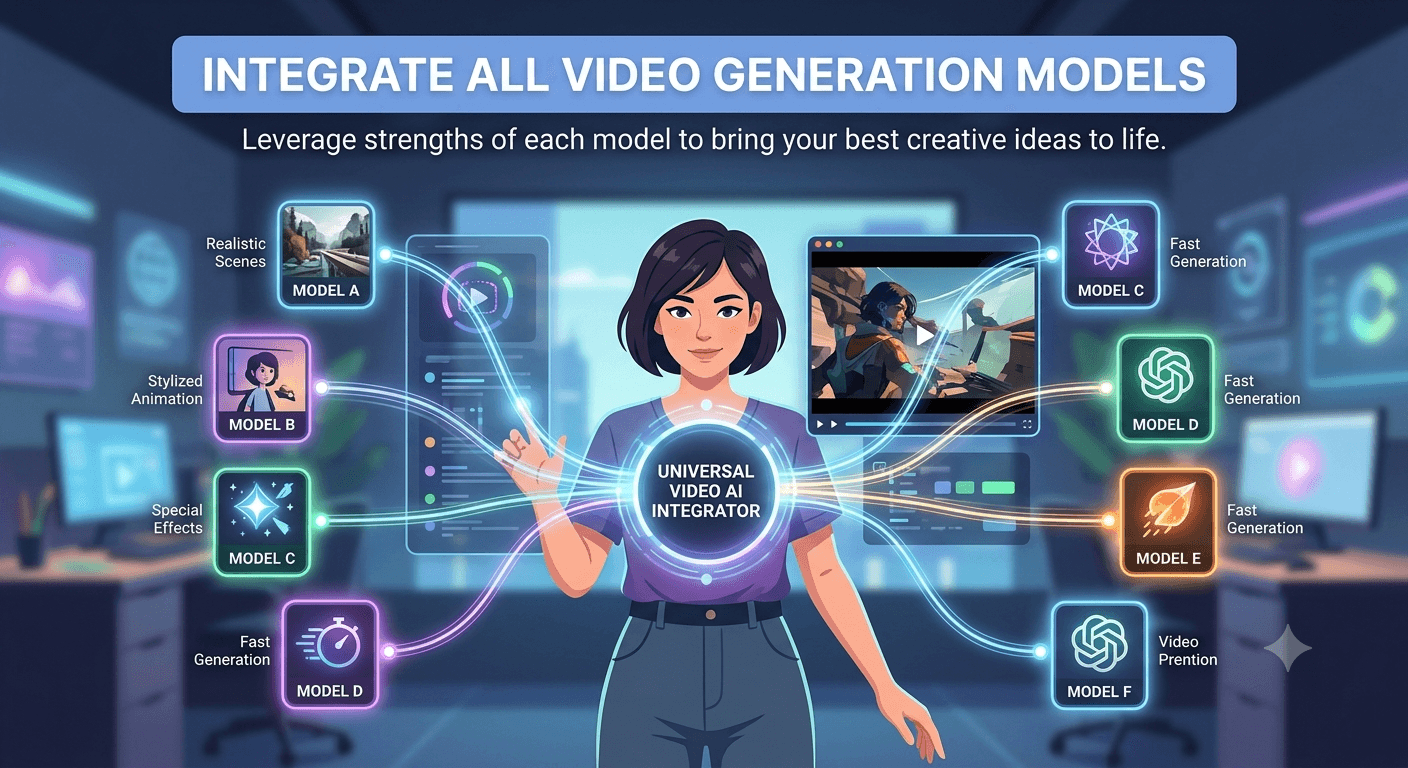
Integrate all video generation models available on the market, allowing you to conveniently leverage the strengths of each model to bring your best creative ideas to life.
Key Feature 2
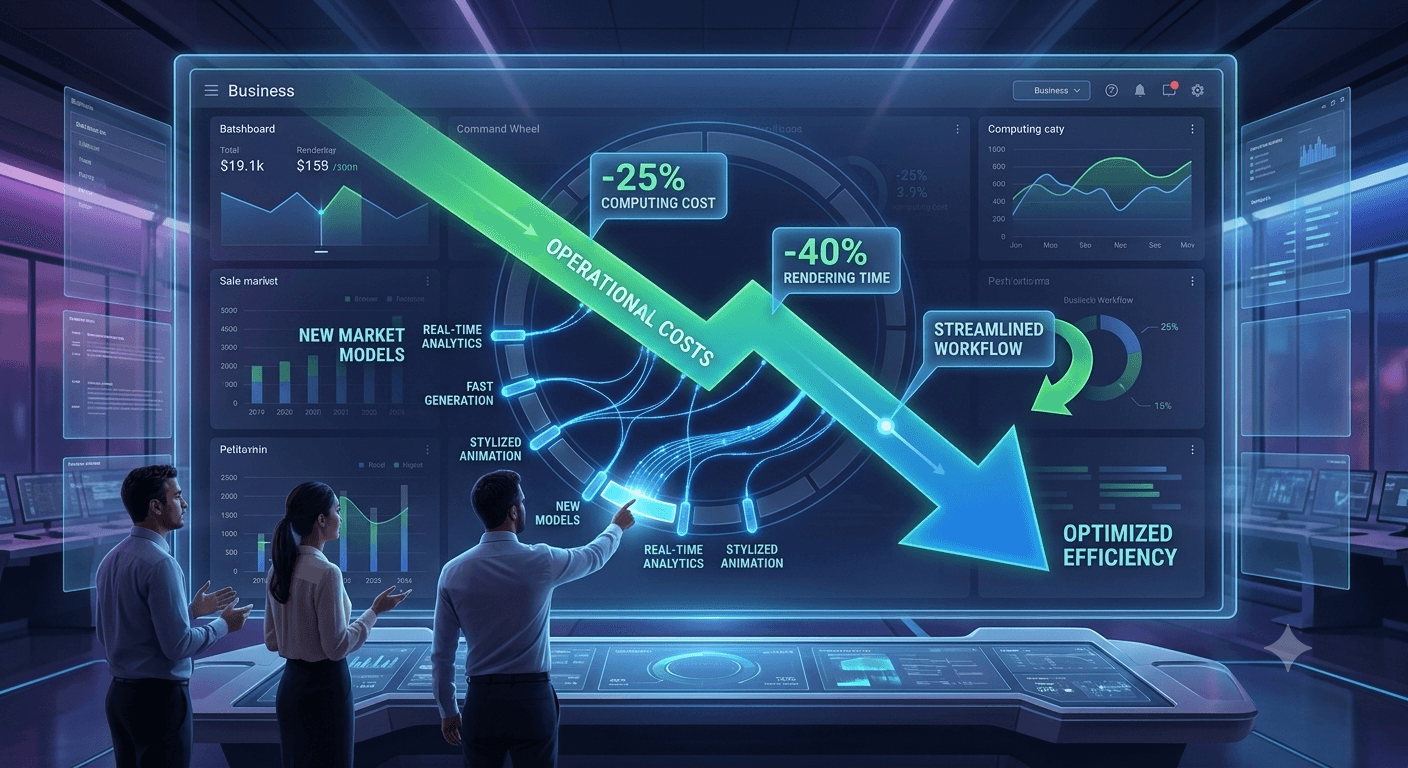
You don’t have to use pricey video generation models for every task. Based on your actual requirements, you can combine models from different vendors or various versions of models from the same vendor to opt for the most cost-effective solution.
Key Feature 3
Your imagination will no longer be confined by the generation capabilities offered by a single model vendor. Harness the strengths of different models to offset the weaknesses of one vendor or a single model, and fully unleash your creativity.
Key Feature 4
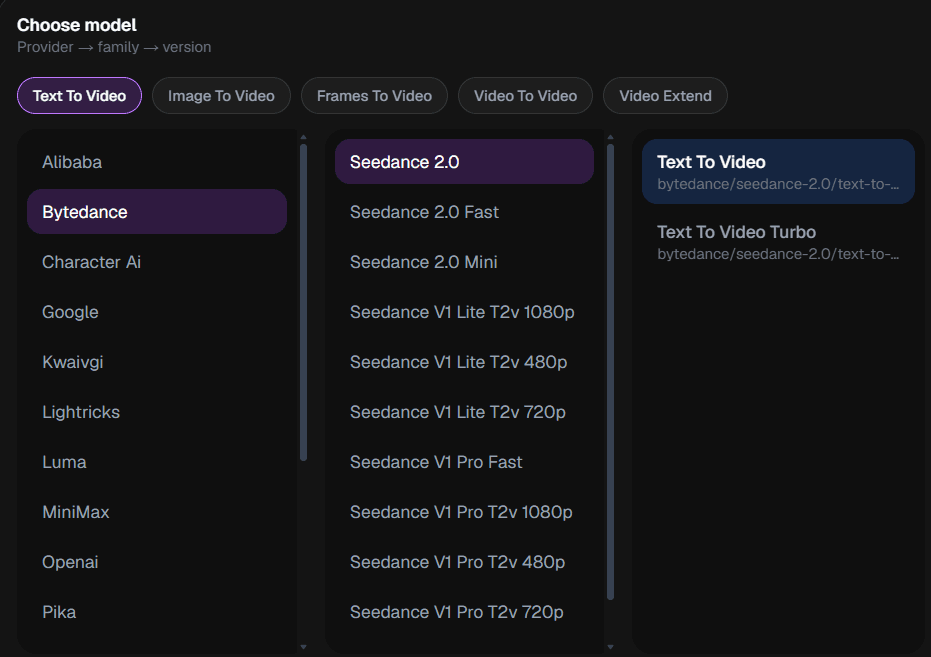
We offer a consistent, easy-to-grasp operating dashboard that consolidates parameters of various models in one unified panel. Simply select a model and configure its corresponding parameters, and you can experience the world’s most powerful model generation capabilities.
Use Case 1
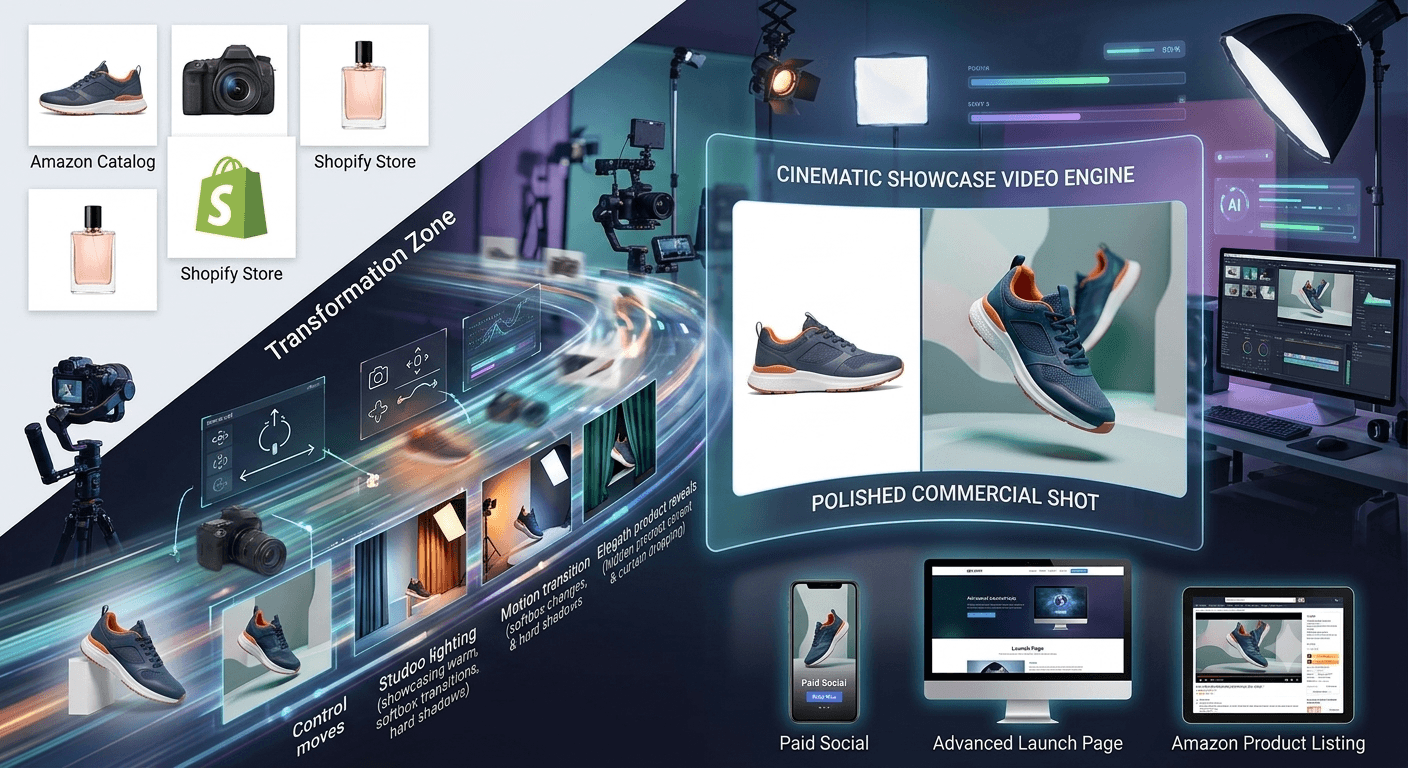
Transform static product photos into cinematic showcase videos for e-commerce listings, Amazon catalogs, Shopify stores, launch pages, and paid social. Add controlled camera moves, lighting shifts, and product reveals that make a still asset feel like a polished commercial shot.
Use Case 2
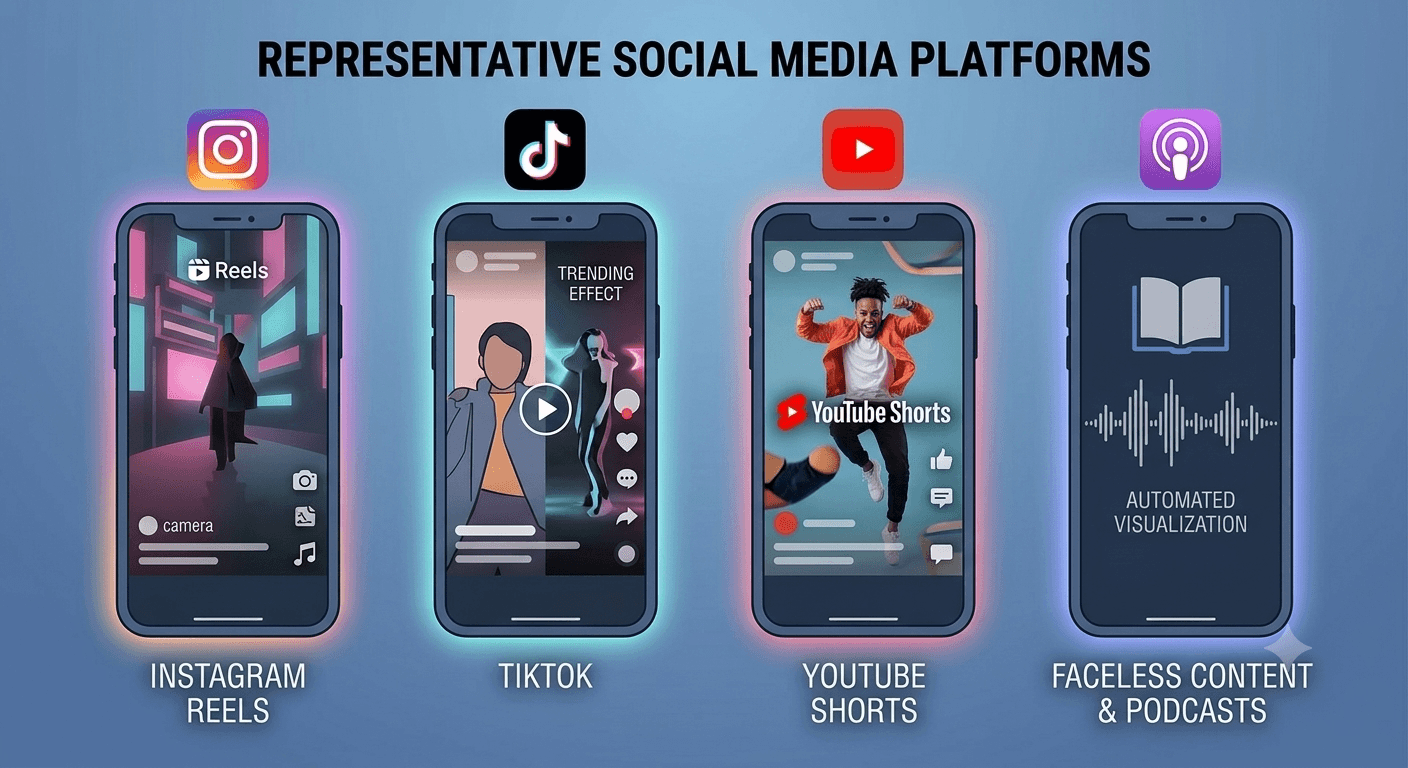
Create scroll-stopping clips for Instagram Reels, TikTok, YouTube Shorts, and faceless content channels. Generate vertical videos from prompts or animate existing images so creators can keep publishing without planning a full shoot for every post.
Use Case 3
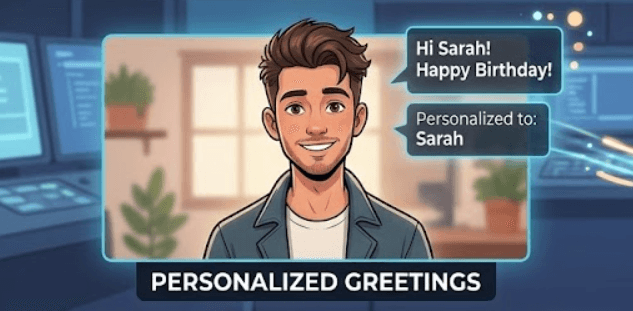
Bring portraits, illustrations, avatars, and character art to life with expressive motion. Use it for educational explainers, localized ad messages, personalized greetings, or creator-led clips when on-camera talent is not practical.
Use Case 4
Create home videos or a collection of private video moments.

Select between text-to-video for creating from scratch, or image-to-video to animate an existing photo. The choice depends on whether you have a reference image or want to generate from a text description.
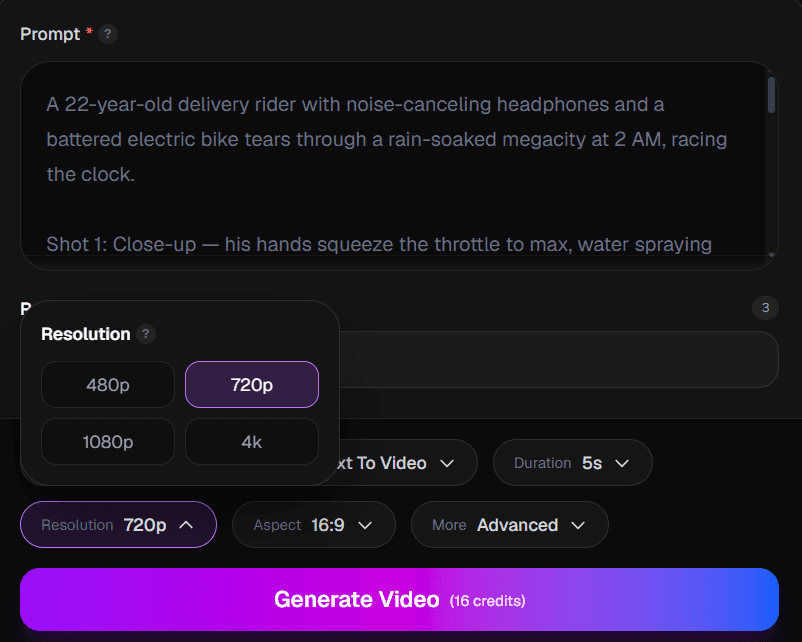
Pick your duration (5s for quick clips, 10s for more detail), resolution (720p for faster generation, 1080p for maximum quality), and aspect ratio that fits your target platform.
For text-to-video, write a detailed prompt describing the scene, action, camera movement, and mood. Be specific about subjects, settings, lighting, and any effects you want.
Click Generate and watch your vision come to life. Review the result, and if needed, adjust your prompt and regenerate. Download in your selected resolution, ready for any platform.
Text-to-video generates a completely new video based on your written description — think of it as AI filmmaking from a script. Image-to-video takes an existing photo and animates it, adding motion and life to still images. Both have their uses: text-to-video for creative generation, image-to-video for bringing your photos to life.
Video generation typically takes 1-3 minutes depending on the duration and resolution you choose. 10-second videos and 1080p resolution will take longer than 5-second clips at 720p. We'll notify you when your video is ready.
For social media (Instagram, TikTok, YouTube Shorts), 720p is usually sufficient and generates faster. For professional use, presentations, or when you need to crop/zoom, choose 1080p for the extra detail. Both look great on mobile devices.
It depends on where you'll share the video: 9:16 for vertical content (Stories, Reels, Shorts), 16:9 for YouTube and web content, and 1:1 for square posts on Instagram and Facebook. Choose based on your target platform.
Many users create videos for marketing, social media, and client projects. Usage rights can depend on the selected model, your input materials, and the applicable FaceVia terms, so review the current Terms before using outputs in commercial work.
Video generation is computationally intensive. If it fails, try a shorter duration (5s instead of 10s), lower resolution (720p), or simplify your prompt. Complex scenes with multiple subjects and actions are harder to generate. We recommend breaking complex scenes into shorter clips.